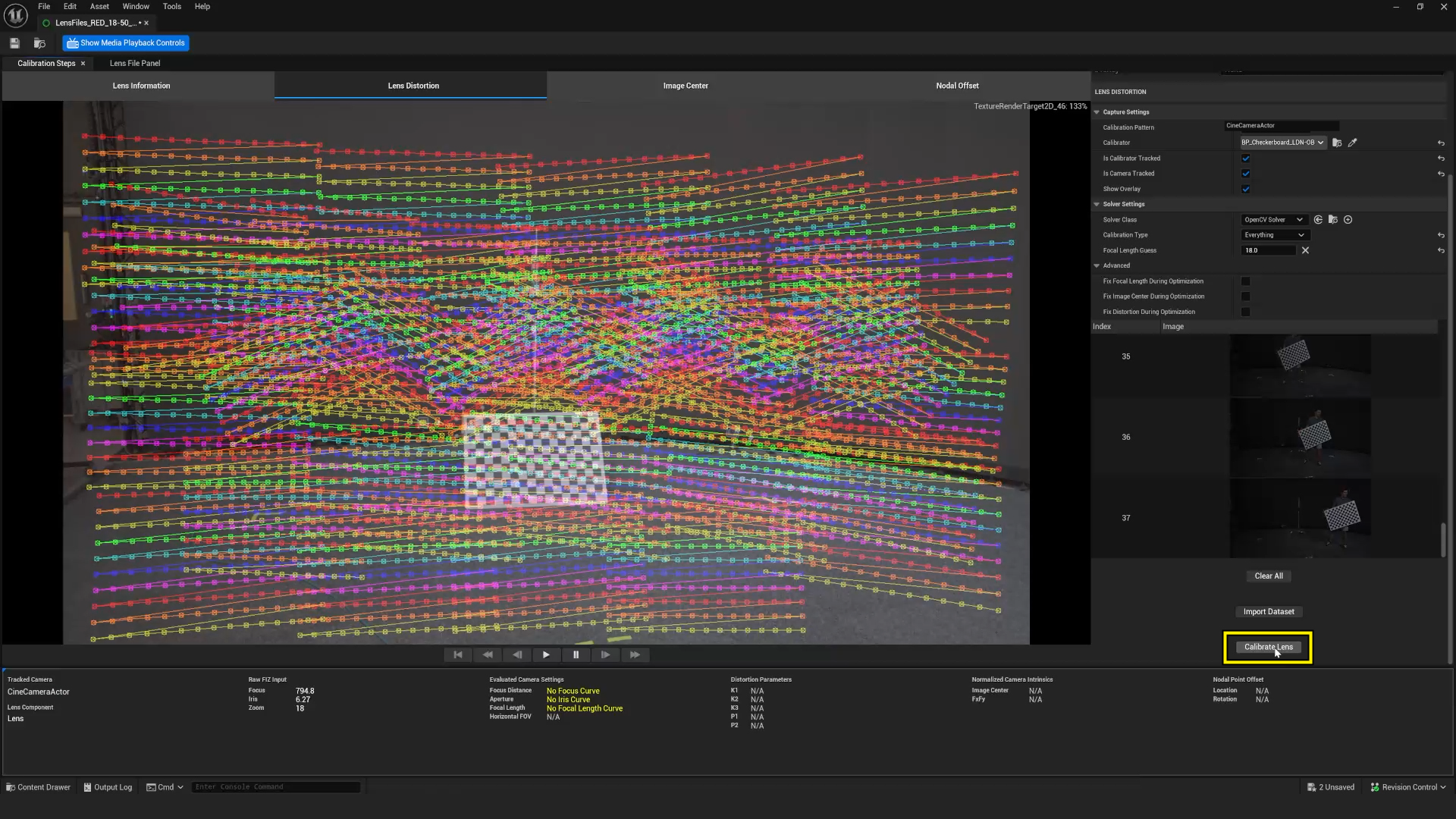
Split the camera problem into three streams
For a tracked camera, audit pose, lens, and time separately. Pose means position and orientation. Lens means the changing values that determine the intended camera model: focal length, aperture, focus distance, sensor or filmback assumptions, and possibly distortion behavior. Time means how video, tracking, and engine frames are associated. A source label that says “camera” can conceal a missing part of this chain.
Epic’s lens-calibration quick start is unusually direct: a transform-role controller receives tracking data while a camera-role controller receives lens encoding; some systems combine them into one camera role. The audit should record which case applies to the actual provider, not force every system into a two-stream diagram.
Confirm role and supported values
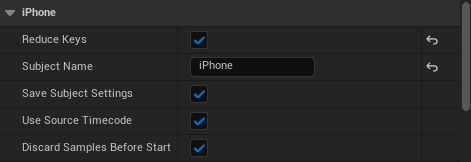
Open the source details and write the subject name, provider, role, enabled properties, and mapping target. The Live Link controller reference lists camera properties that may be animated, including focal length, aperture, and focus distance. “May” matters: a connected source does not prove every property is supplied or mapped. A transform-only feed can move the virtual camera while leaving a manual lens state behind.
| Audit lane | Ask | Evidence to retain |
|---|---|---|
| Pose | Which subject drives location/rotation, in what coordinate convention? | Subject name, axis/offset mapping, short movement capture. |
| Lens | Which values actually change live? | FIZ change log and observed virtual-camera response. |
| Time | How are data and camera video aligned? | Timecode/ref status and a motion test reference. |
| Lens file | Which calibrated asset/version evaluates the lens? | File ID, camera body, lens, focus/zoom range. |
Run a small adversarial test
Do not validate only a static chart. Move through the intended camera range while changing at least one lens control. Record the physical image and the virtual/LED view with a common visible event: a brief pan past a marker, then a rack focus. Look for a systematic offset, delayed response, frozen field of view, or data that changes in the UI but not in the assigned camera.
Illustrative example: a tracker’s pose reaches Unreal but the lens encoder is unplugged. A static wide shot can appear aligned because manual focal length happens to match. A zoom test exposes the error immediately: the physical framing changes while the virtual frustum does not. Log that as “pose pass, lens stream fail,” not “tracking failed.”
Keep the audit reversible
- Save a preset or configuration record for the named source mapping.
- Log timecode or buffering settings separately from pose calibration.
- Repeat the test after a lens, sensor mode, tracker mount, source name, or engine configuration change.
- Keep screenshots as secondary evidence; retain a short representative capture where possible.
This proposed audit does not calibrate the camera for you. It makes clear whether the expected data was present, applied, and observed under a representative change.
Sources & evidence
Primary documentation establishes tool behavior or a reported production. Checklists and illustrative examples are Atlas editorial guidance, not results of independent testing. Match documentation to your installed version.
Transform/camera role setup and required tracking/FIZ concepts.
Source published: Not established · Retrieved 19 September 2026
Camera controller properties and Live Link role behavior.
Source published: Not established · Retrieved 19 September 2026
Timecode versus engine cadence/genlock distinction.
Source published: Not established · Retrieved 19 September 2026