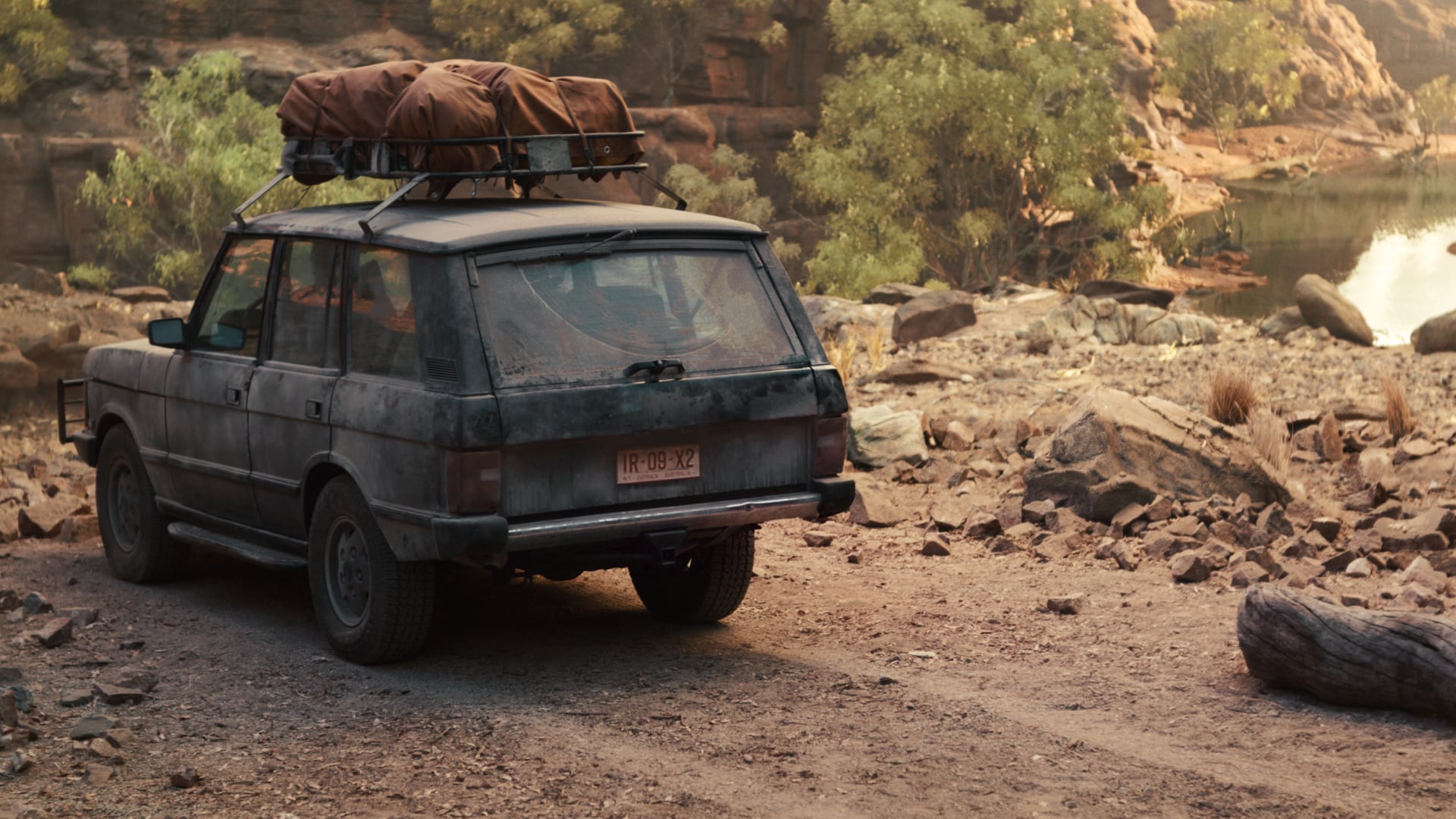
Driving plates need a camera contract
A driving plate is not merely attractive scenery behind a car. It has a viewpoint, lens behavior, height, speed, direction, horizon, exposure, weather, stabilization character, and continuity role. If those decisions are not recorded at plate capture, the stage team is asked to reverse-engineer them from a file. That can work for a broad mood background; it is a weak basis for an eyeline-sensitive interior or a reflection-critical close-up.
Epic’s Media Plate documentation describes the actor as useful for 2D plate or 360 lat-long EXR playback in clustered setups with large LED displays. That establishes a playback-oriented capability. It does not establish that a plate from any car rig will match any stage camera. The match remains a production test.
Create the plate passport
Give each route or clip an ID and record capture camera, sensor mode, lens or field of view, camera height and orientation, frame rate, shutter behavior, route direction, intended speed impression, weather/light condition, and known stabilization or post treatment. Add a reference still looking through the windshield position and note whether the plate is meant for side window, rear window, front windscreen, mirror, or generalized moving light.
| Plate use | Critical information | Stage test |
|---|---|---|
| Front windscreen | Horizon, vehicle height, direction, lens perspective | Eyeline and parallax through the intended glass |
| Side window | Lateral speed, near-field detail, camera orientation | Motion feel and reflections on occupants |
| Mirror insert | Exact reflection geometry and safety view | Camera/crew visibility and distortion |
| Moving-light cue | Timing, direction, brightness behavior | Interaction on face and interior surfaces |
Test the car as an optical object
The windscreen, side glass, mirror, dashboard, paint, and trim all reveal a different part of the room. Test the actual vehicle—or a representative section—with the planned camera placement. Run the plate, practical interactive lights, and a low-speed version of the intended movement. Record what needs to be physically hidden, flagged, dressed, or handled in post. A monitor check is not enough for a glossy dashboard or rear-view mirror.
Epic’s snapshot documentation explains that snapshots can restore actor configurations but do not track asset changes. Atlas proposed process: pair each approved driving setup with both a plate ID and a stage-state card. If playback color, crop, timing, or a physical light cue changes, log that as a distinct revision; do not rely on a generic “night drive” snapshot name.
Illustrative coverage plan
Illustrative: an interior sequence needs a front-facing two-shot, a side-profile close-up, and a mirror insert. The team captures one front-route plate with a documented horizon and one lateral plate with usable near-field detail. It treats the mirror as a separate, short controlled shot because the main wall playback reveals the camera. The schedule includes a camera test before committing to the wider day’s coverage.
- Record the plate camera contract at capture, not during stage prep.
- Classify plate use by window, mirror, background, or interactive-light job.
- Test the physical glass, paint, and trim through the planned camera.
- Save playback revision and stage state together with the shot record.
Sources & evidence
Primary documentation establishes tool behavior or a reported production. Checklists and illustrative examples are Atlas editorial guidance, not results of independent testing. Match documentation to your installed version.
Describes Media Plate use for 2D plate and 360 lat-long EXR playback in large clustered LED-display setups.
Source published: Not established · Retrieved 19 September 2026
Describes restorable level configuration and the separate treatment of asset changes.
Source published: Not established · Retrieved 19 September 2026