The stage
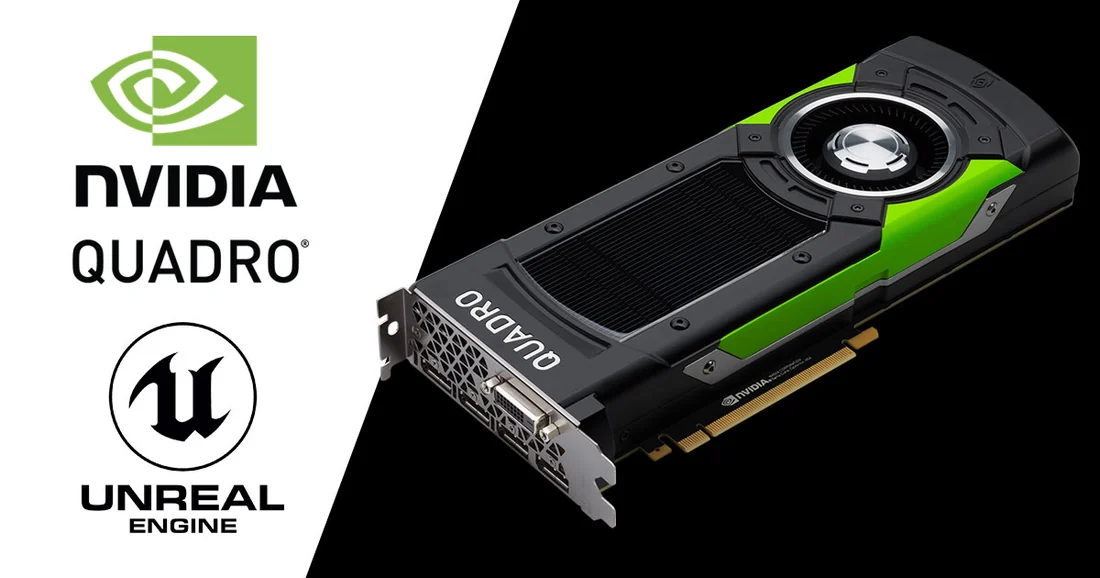
Unreal Engine's in-camera visual effects pipeline is documented on Epic's developer site rather than announced as a single dated product. Epic's ICVFX quick-start guide, current as retrieved 16 September 2026, walks through building an nDisplay cluster for a physical LED wall and states plainly that a builder should 'refer to your LED manufacturer for details on your per-panel resolution.' The same page recommends UHD as 'a sensible upper limit to render on a single GPU nDisplay viewport,' names NVIDIA Quadro Sync II for multi-GPU genlock, and lists Aja and Blackmagic plugins for SDI capture.
What the documents establish
What the documentation does not do is name a certified list of LED panel or processing vendors. It is specific in one narrower area: camera tracking. The same guide states that 'Unreal Engine supports many camera-tracking partners through Live Link, such as Vicon, Stype, Mo-Sys, and Ncam,' plus XR devices including Vive trackers. Epic's own marketing page for film and television, retrieved the same day, lists nDisplay, ICVFX and Live Link among its 'dedicated virtual production tools' and points to a sample ICVFX project built with the filmmaking collective Bullitt, again without naming a panel or processing brand. Read together, the two documents establish that Epic's own materials certify integration points, tracking protocols, sync hardware and capture cards, rather than specific LED hardware, a narrower claim than a 'certified hardware program' for panels would be.
The department view
This distinction matters most to the technical director assembling an nDisplay cluster and the DIT setting up genlock and timecode. Because Epic defers panel choice to the manufacturer, the burden of confirming panel-to-engine compatibility, input format, refresh rate and colour pipeline, sits with the integrator and the LED vendor rather than with a published Epic list. Camera department staff benefit from the narrower, real commitment Epic does make: naming which tracking systems have a supported Live Link source.
What to check before you build
This is an editorial checklist. A production should ask its integrator which Unreal Engine version the stage targets, since compatibility notes in Epic's documentation are versioned and change between releases. It should also confirm, in writing from the LED vendor rather than from Epic's page, that the specific panel and processor combination has been used with nDisplay before.
- Does the quoted LED processor vendor publish its own nDisplay or Unreal Engine compatibility statement, since Epic's page does not?
- Which Live Link-supported tracking system is specified, and is it one of the partners Epic's documentation names?
- Which Unreal Engine version is the stage built and tested against, and how does the integrator handle a version mismatch?
Epic's documentation is a living reference that changes with each engine release; it is a strong source for what Unreal Engine requires of a cluster, but it is not evidence of panel certification, and no such list appears on the pages examined here.
Sources & reading trail
States Epic defers to the LED manufacturer for per-panel resolution and names Live Link tracking partners, NVIDIA Quadro Sync II and Aja/Blackmagic capture support.
Source published: Not established · Retrieved: 16 September 2026
Epic's current film/TV virtual-production marketing page lists nDisplay, ICVFX and Live Link as its toolset without naming a certified LED panel or processing vendor list.
Source published: Not established · Retrieved: 16 September 2026
Vendor documentation, standards and reports establish the entry; the department view is Stagecraft Atlas editorial analysis. This retrospective draft does not imply the site published on the event date.