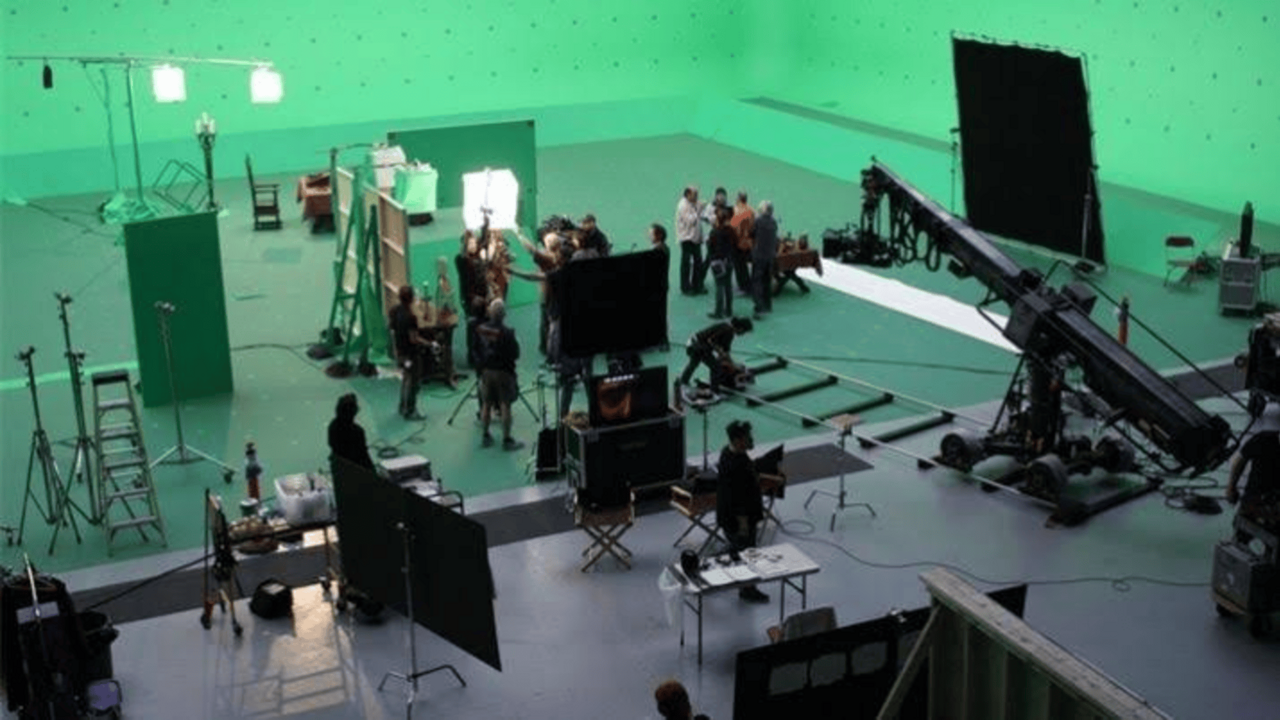

What the preview does
Epic describes Composure as a way to combine live-action and CG imagery in Unreal, including real-time visualization of green-screen scenes. Its documentation distinguishes the newer Composure work from the legacy plugin. Do not mix a tutorial for one implementation with assumptions about the other; check the version and plugin named in the project.
Source: Real-Time Compositing with Composure
Decide what the composite is for
Atlas analysis
For blocking, a useful approximation may be enough to judge eyelines and composition. For a delivered live image, edge quality, color, synchronization, and stability carry a different burden. Tell the crew which standard applies before anyone treats a preview as an approved final.
A simple test can be more informative than an elaborate background. Put a person or representative object against the screen, use the intended lighting, and include movement, reflective surfaces, or fine detail that actually matters to the shot. Keep the foreground recording so that the result can be examined independently of the live preview.
Protect the handoff to post
Atlas checklist
Agree which elements will be retained: original camera media, background or scene revision, reference composite, and any camera or lens data needed by the downstream team. This should be discussed with the receiving compositor rather than guessed on the last shooting day.
Label the reference image honestly. “Live preview” communicates intent without promising that the key, edges, or lighting match are final. It also gives post a useful target while preserving room to improve the execution.
- State whether the output is preview or final.
- Test difficult edges and actual movement early.
- Agree the retained media and metadata with post.
A shared preview is valuable when everyone knows what it does—and does not—approve.
Sources & evidence
Primary documentation establishes tool behavior or a reported production. Checklists and illustrative examples are Atlas editorial guidance, not results of independent testing. Match documentation to your installed version.
Source published: Not established · Retrieved 16 September 2026